Smart plug setup
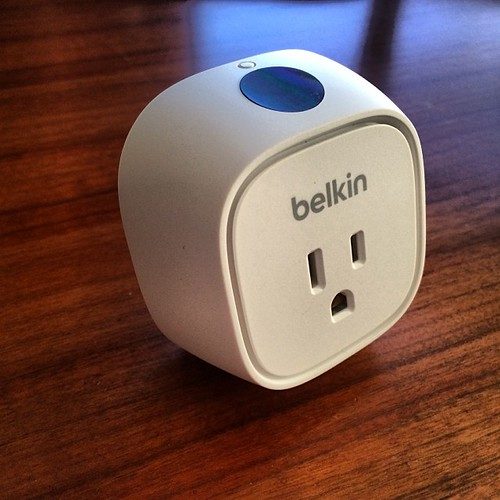
Smart plugs are the easiest device to set up — most people are done in under five minutes with no tools at all. Here's the whole process:
- 1
Plug in
Push the smart plug firmly into a wall socket, then plug your device (TV, lamp, charger) into the front of the smart plug. - 2
Connect to Wi-Fi
Download the free app for your plug, tap 'Add device', and follow the prompts. Keep your phone and the plug on the same 2.4GHz Wi-Fi network — most smart plugs don't use 5GHz. - 3
Configure the app
Give the plug a clear name ('Living room TV', 'Bedroom lamp') so schedules and voice control make sense later. - 4
Set a schedule
Create an off-schedule for the hours you don't need it — overnight and while you're out are the big savers. Save, and you're done.
Quick win
Stuck on the Wi-Fi step? Nine times out of ten it's the 2.4GHz vs 5GHz issue below — check that first before anything else.
Smart bulb installation
- 1
Switch off at the wall
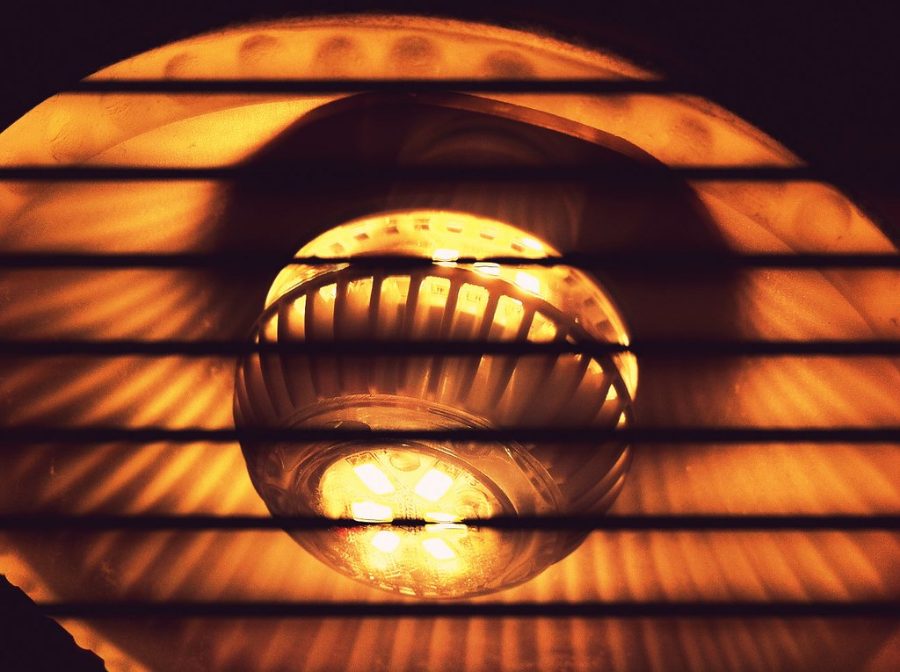
Turn the light switch off and let an old bulb cool before you touch it. Never fit a bulb into a live, switched-on fitting. - 2
Fit the smart bulb
Screw (E27/E14) or push-and-twist (bayonet) the smart bulb into the existing fitting, exactly like a normal bulb. Keep the landlord's original bulb safe if you're renting. - 3
Power on and pair
Switch the wall switch back on so the bulb has power, then add it in the app. Leave the wall switch ON from now on — you control the bulb from the app, not the switch. - 4
Set scenes and schedules
Dim it, set a warm evening scene, or schedule it to fade off at bedtime. This is where the energy (and comfort) savings come from.
Living with smart bulbs
Because the bulb needs constant power to listen for app commands, everyone in the house should leave the wall switch on. A stick-on smart button or the app widget makes a handy replacement for the old switch.
Basic troubleshooting
Most setup hiccups come down to a handful of causes. Work through these before assuming a device is faulty:
| Problem | Try this first |
|---|---|
| Device won't connect to Wi-Fi | Make sure you're on 2.4GHz, not 5GHz. Move closer to the router during setup. |
| App can't find the device | Hold the device's reset button until it flashes, then re-run 'Add device'. |
| Keeps dropping offline | Weak Wi-Fi — move the router or add a Wi-Fi extender near the device. |
| Schedule not firing | Check the time zone in the app and that the device shows as 'online'. |
| Smart bulb unresponsive | Confirm the wall switch is ON — the bulb needs power to receive commands. |
The universal fix
Reset the device, forget it in the app, and add it fresh. It sounds basic, but a clean re-pair solves the large majority of connection problems.
Safety notes & load ratings
- Check the max load. Every smart plug has a maximum rating (often 13A / ~3,000W in the UK). Never plug in something that draws more.
- Don't run high-heat appliances on a smart plug — ovens, hobs, heaters, hair dryers, straighteners or kettles — unless the plug is specifically rated and designed for them. A schedule could switch a heater on unattended.
- One plug per socket. Don't daisy-chain smart plugs into extension leads to get around load limits.
- Keep them dry. Indoor smart plugs are not for bathrooms or outdoors unless rated for it.
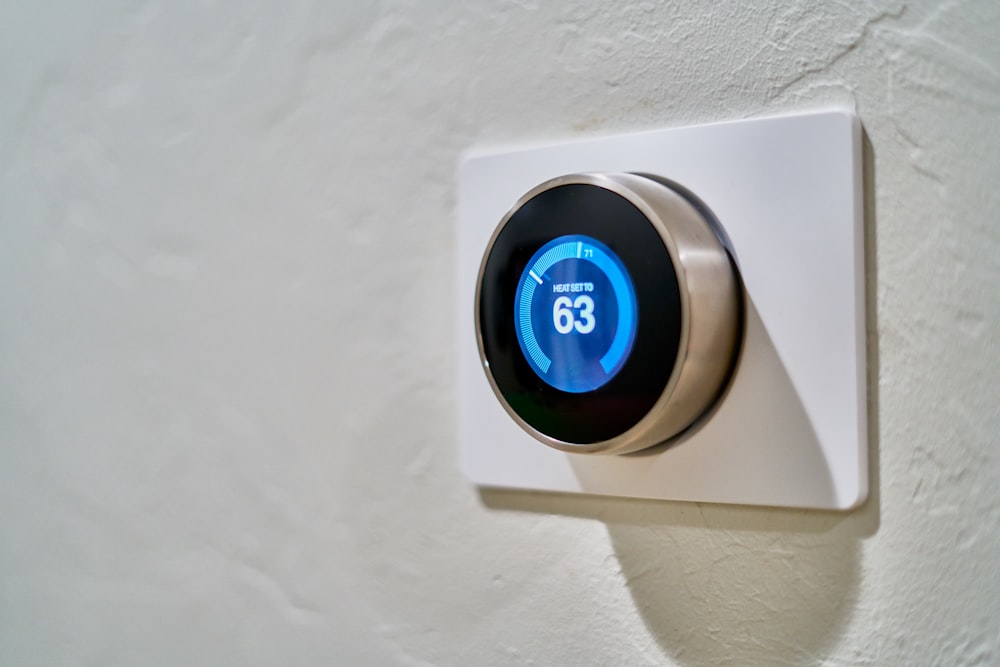
- Anything hard-wired needs a pro. Smart thermostats that wire into the boiler should be fitted by a qualified electrician or heating engineer.
If in doubt, stop
If a plug, socket or device ever feels hot, smells of burning or the fitting is damaged, switch it off at the wall and don't use it. Safety always beats a saving.
Video walkthrough
Prefer to watch? A full step-by-step video walkthrough is on the way. In the meantime, the written steps above cover everything you need.
Video walkthrough coming soon
We're filming a plain-English setup guide for every device. Follow the written steps above for now.
Need a hand with a specific product? Every device page has its own quick-start steps — browse the shop.
- Volt Mini Smart PlugA tiny smart plug that stops your devices wasting money on standby. Set schedules and track usage from your phone.£14.99View →
- Lumen Warm Smart BulbA cosy warm-white smart bulb that uses up to 85% less energy than a halogen — dim and schedule from your phone.£9.99View →
- Nimbus Smart ThermostatLearns your routine and stops heating an empty home — the single biggest saving in most households.£129.99View →